
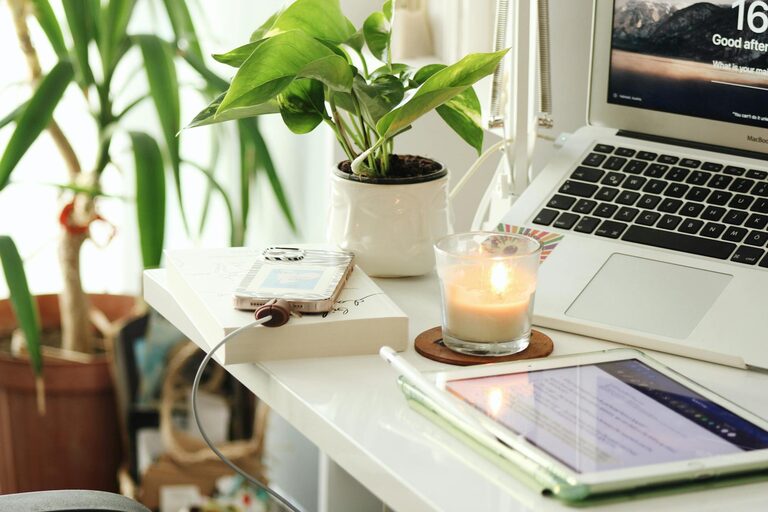
Creating a relaxing home workspace is key to maintaining focus and boosting productivity, especially when working remotely. When your workspace feels calm and inviting, it can reduce stress and help you stay motivated. In this post, we’ll explore practical tips to design a home office that promotes relaxation and efficiency.
Why a Relaxing Workspace Matters
Your environment impacts how you work. A cluttered, noisy, or uncomfortable area can distract you and drain your energy. On the other hand, a space that feels peaceful and organized can help you concentrate and enjoy your workday more.
Choose the Right Location
– Find a Quiet Spot: Select an area with minimal noise and interruptions. This could be a spare room, a corner of your living room, or even a dedicated nook.
– Consider Natural Light: Position your desk near a window if possible. Natural light improves mood and reduces eye strain.
Ergonomic Furniture and Setup
Comfort is essential for productivity. Investing in ergonomic furniture helps you avoid physical discomfort that can disrupt your focus.
– Supportive Chair: Choose a chair that supports your lower back and promotes good posture.
– Desk Height: Your desk should allow your arms to rest comfortably at a 90-degree angle.
– Monitor Position: Keep your computer screen at eye level to prevent neck strain.
Declutter and Organize
Clutter can cause anxiety and make it hard to focus. Keeping your workspace neat encourages a calm mindset.
– Daily Tidy-Up: Spend a few minutes each day putting things away.
– Storage Solutions: Use shelves, drawers, or boxes to organize papers and supplies.
– Limit Desktop Items: Only keep essential items on your desk to minimize distractions.
Use Calming Colors and Decor
Colors influence mood and productivity. Soft, muted tones like light blues, greens, and neutrals tend to create a serene atmosphere.
– Add Greenery: Plants can reduce stress and improve air quality.
– Personal Touches: Include a few meaningful items or artwork to make the space welcoming but not cluttered.
Manage Lighting Wisely
Proper lighting reduces eye strain and sets the right tone.
– Balance Natural and Artificial Light: Combine daylight with adjustable lamps.
– Avoid Harsh Lighting: Use soft white bulbs instead of bright fluorescents.
Incorporate Soothing Sounds
Background noise or silence affects focus differently from person to person.
– White Noise Machines: These can block out distracting sounds.
– Soft Music: Instrumental or nature sounds may enhance concentration.
– Silence: If you prefer silence, use noise-canceling headphones.
Establish a Routine and Boundaries
Design your workspace to support regular work habits.
– Set Work Hours: Define when you’ll start and stop working.
– Create a ‘Work Only’ Zone: Avoid using this area for leisure to separate work from relaxation.
– Take Breaks: Step away from your desk periodically to refresh your mind.
Keep Essentials Within Reach
Having tools and supplies nearby reduces interruptions.
– Organize Supplies: Use desk organizers to hold pens, notebooks, and chargers.
– Tech Setup: Ensure your computer, phone, and other devices are set up for easy use.
Personal Wellness Considerations
Your workspace should encourage healthy behaviors.
– Hydration Station: Keep water nearby to stay hydrated.
– Comfort Items: Consider a small fan, neck pillow, or footrest for added comfort.
– Encourage Movement: Incorporate stretches or standing breaks to avoid stiffness.
Final Thoughts
Designing a relaxing home workspace doesn’t require a major overhaul. Small changes like improving lighting, reducing clutter, and adding personal touches can make a significant difference. When your workspace feels comfortable and calm, productivity and job satisfaction often improve naturally.
By focusing on these tips, you can create a home office environment that supports your well-being and helps you perform at your best every day.